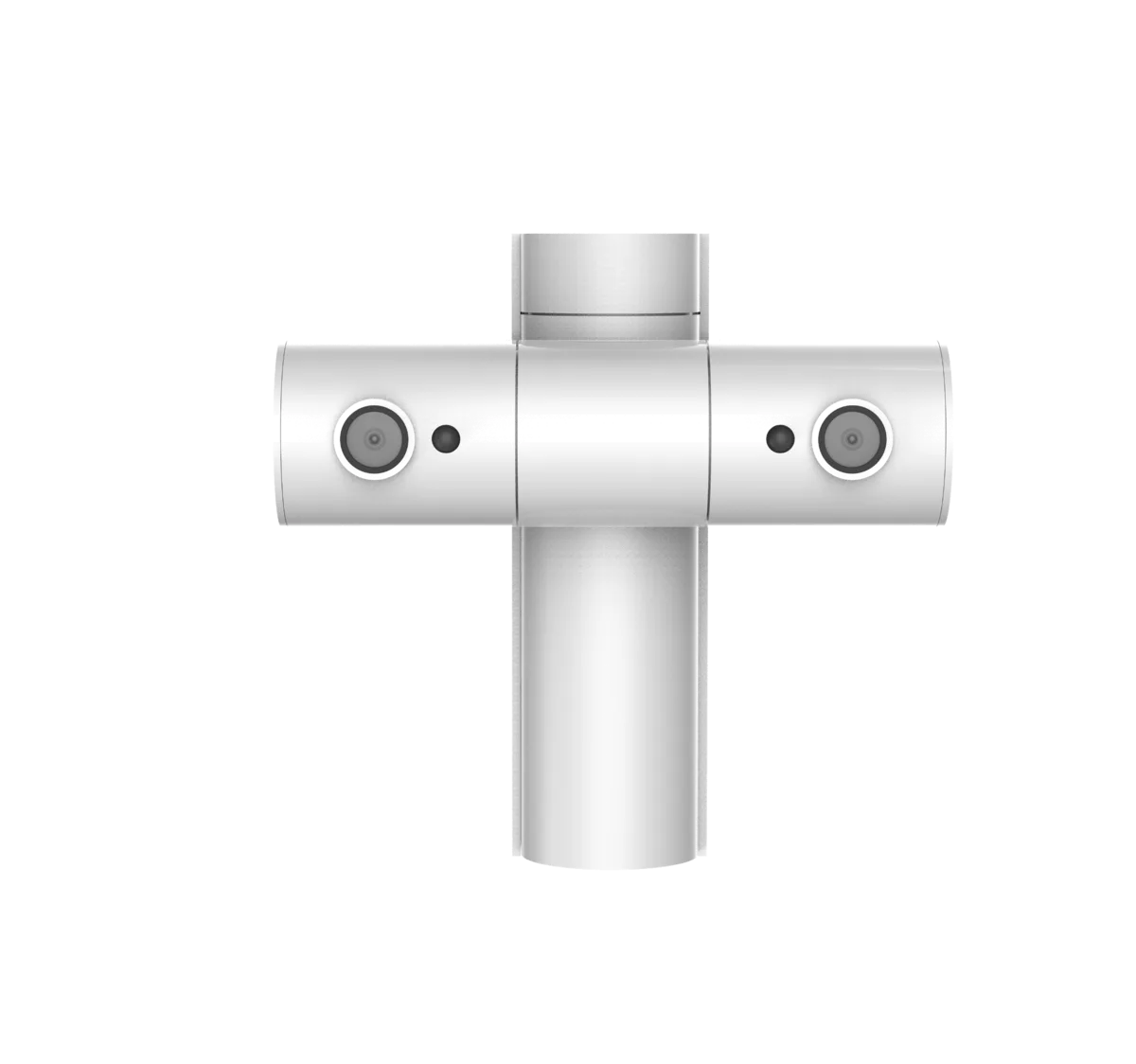
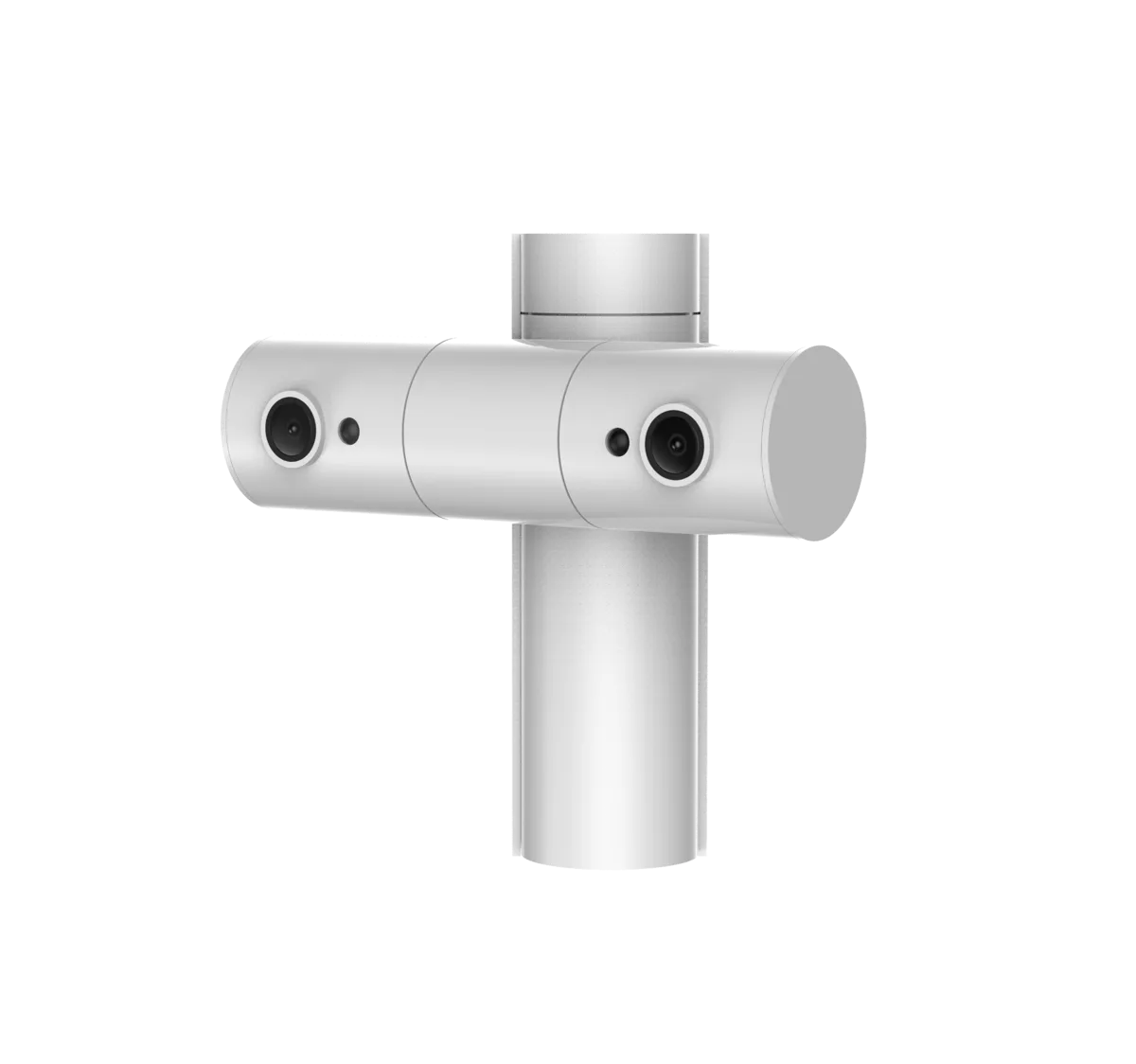
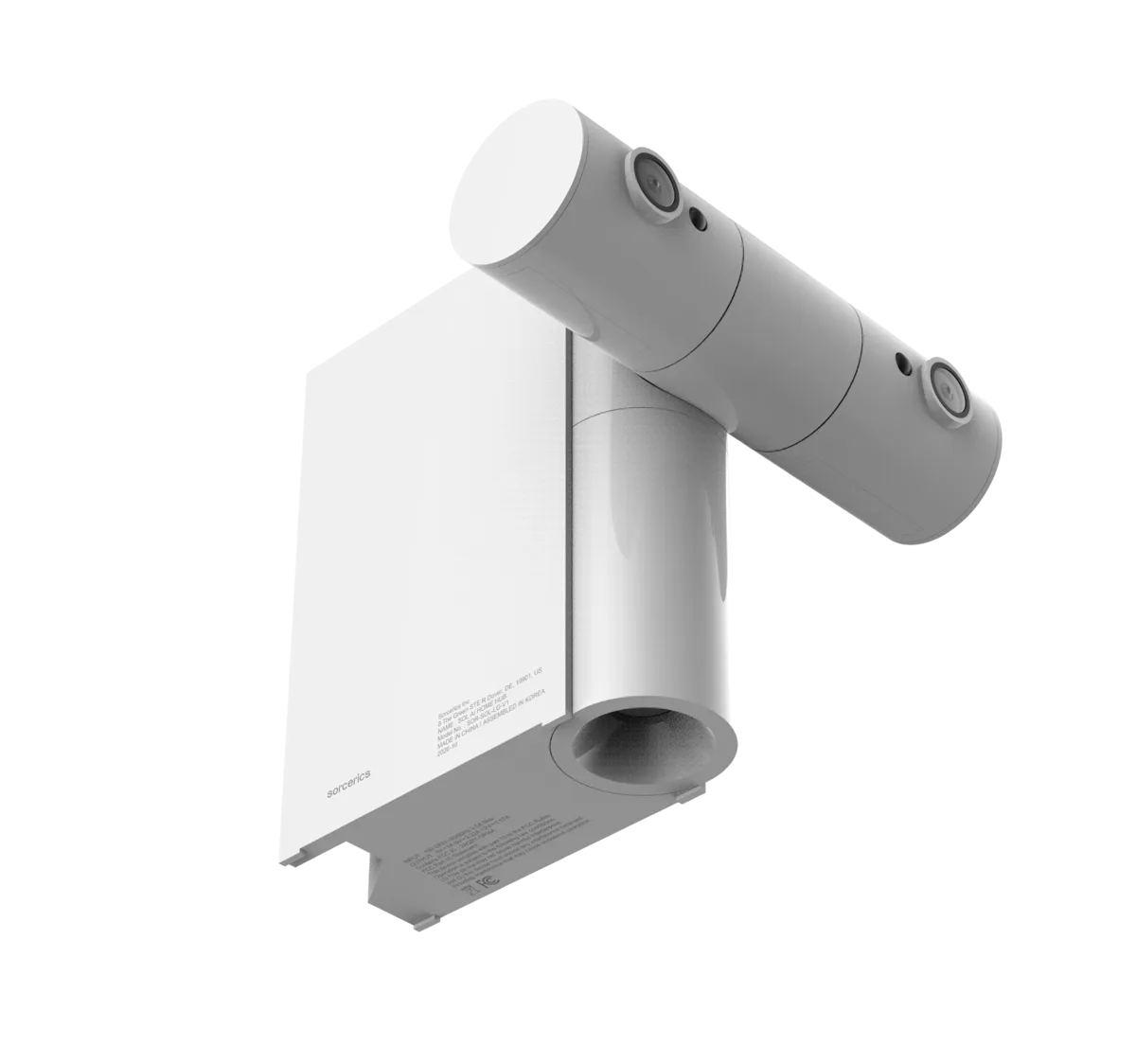
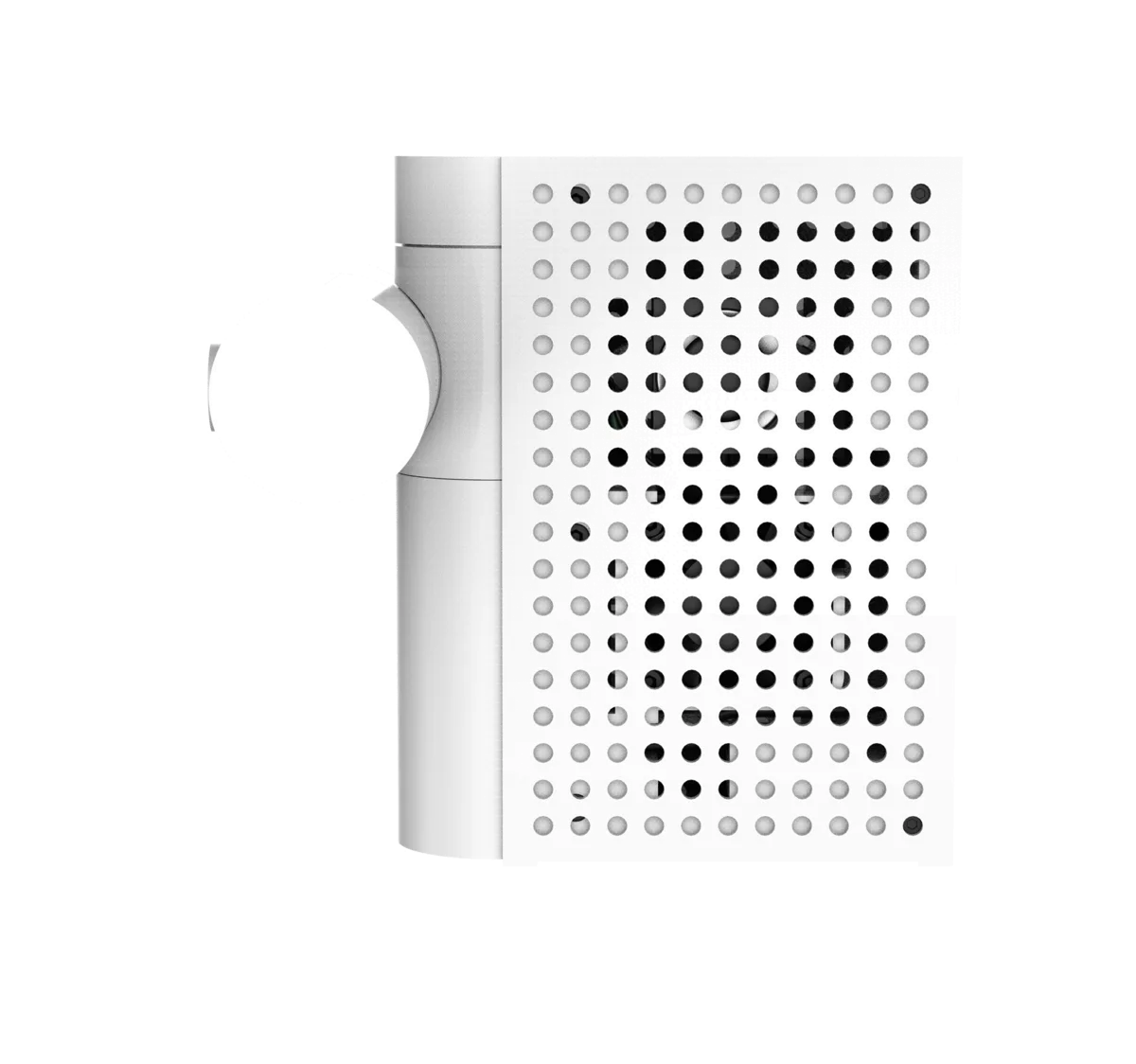
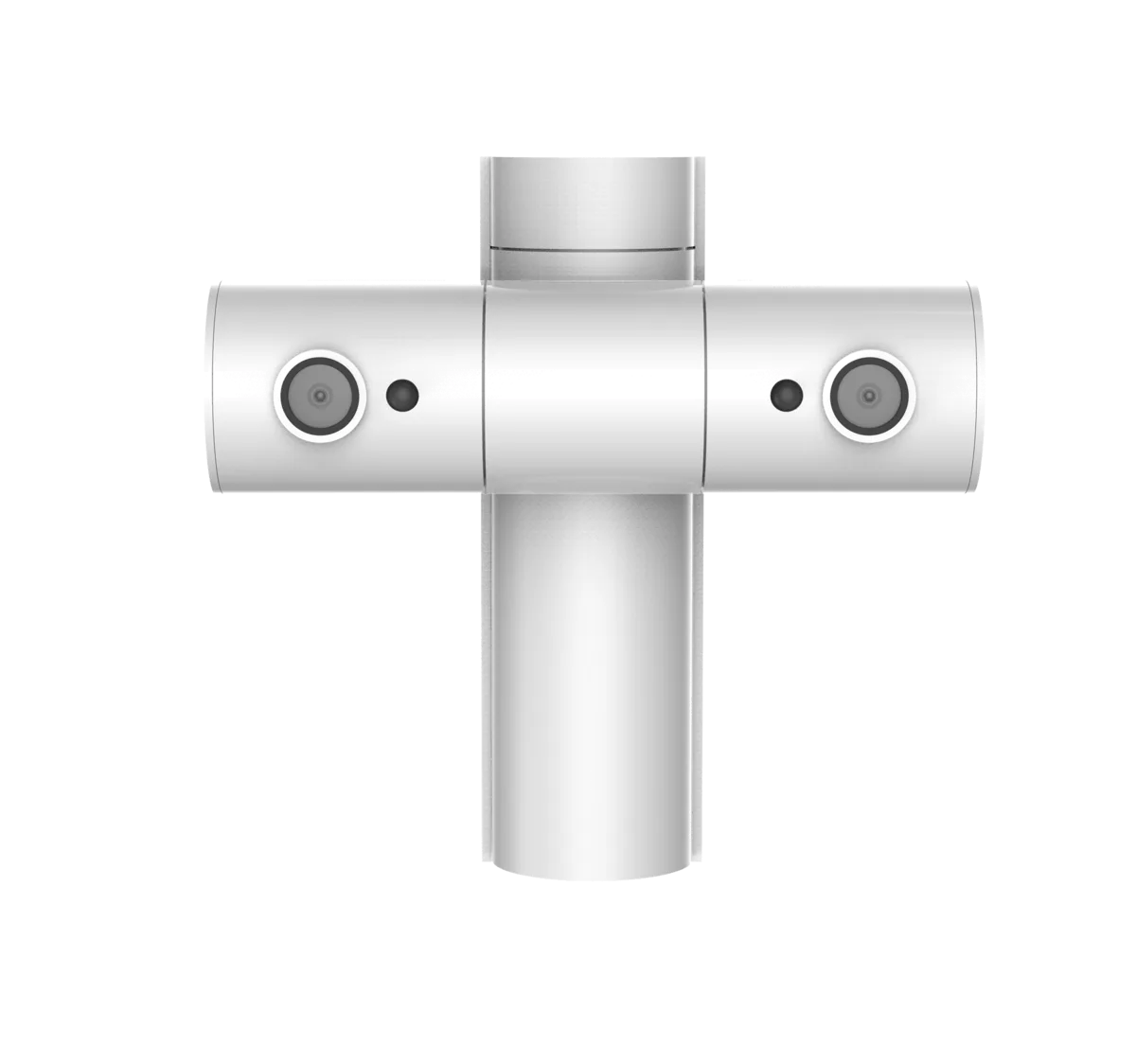
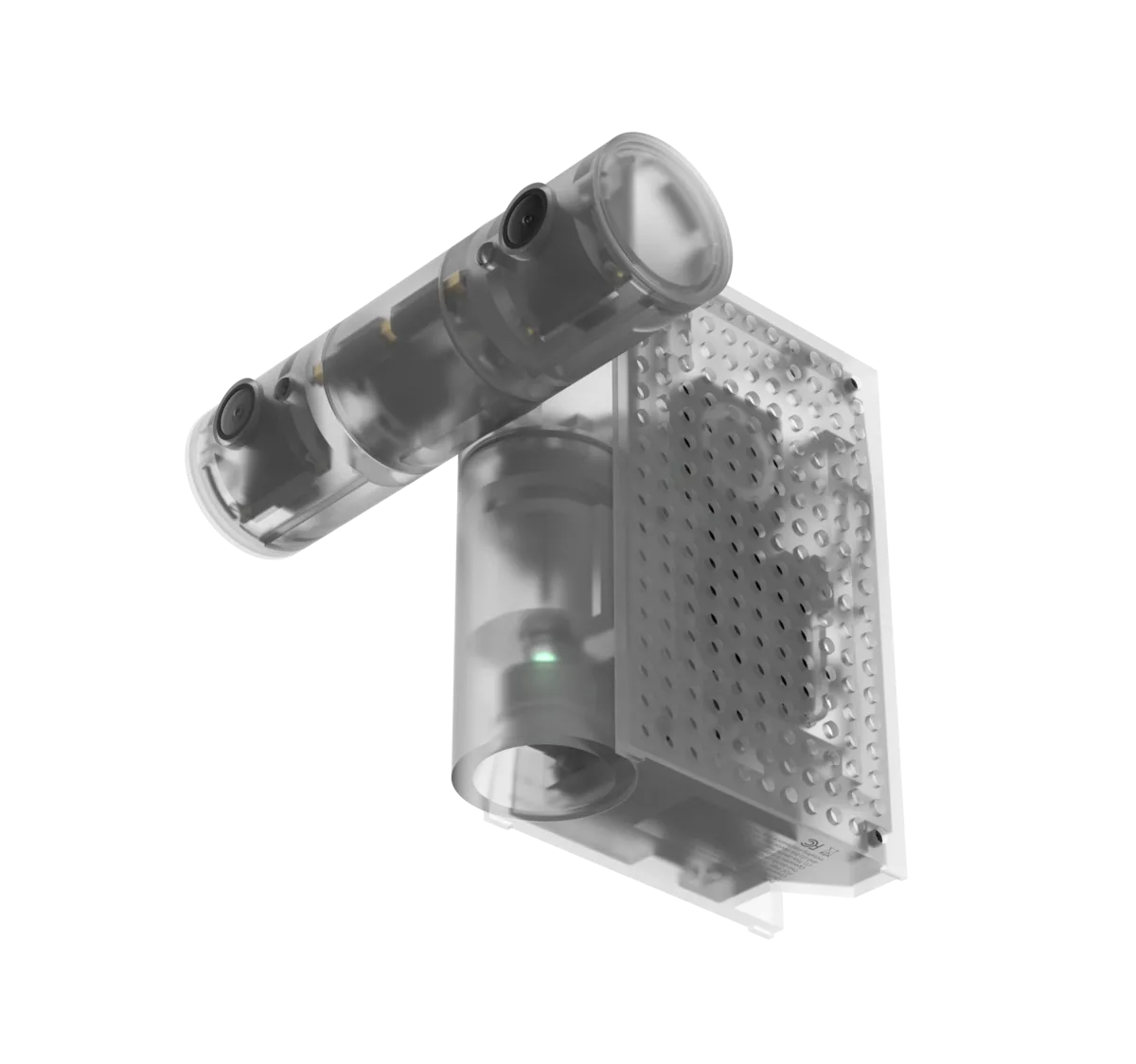
SOL makes your smart home respond to you automatically. Its context-aware, on-device AI recognizes activities like reading, relaxing, or falling asleep, then adjusts your devices to match. Your home responds on its own like having a butler serving you 24/7.
Yes. We’re continually expanding compatibility with more Matter-enabled devices and smart home brands.
Always. SOL is designed to respond intuitively, but your preferences come first. In those rare moments you can take control anytime through the SOL app or your devices’ existing apps.
No. SOL processes what it sees on-device, without uploading video for AI analysis. That said, the act of signing up as a member, receiving device updates and controlling smart devices that require network connectivity per the maker’s guidelines, will need connection to the network.
No. SOL uses on-device AI, in simple terms, the video feed never needs to leave your device to work, and nothing is sent to the internet for analysis, and there is no need to store or keep recordings.
You can, however, choose to opt in to share your experience and your scenarios to our Library, where we would ask for consent for video to be used for learning purposes.
No. Ambient automation works out of the box with no monthly fee.
Place SOL on a high shelf or wall with a clear view of the room. The better it can see your space, the better it can respond.
SOL covers a typical living room and can distinguish objects up to 33 feet away. Larger rooms or separate spaces may need additional units.
No. SOL is designed for indoor use only.
SOL requires a 20W USB-C PD charger of 20W and a high-quality USB-C-to-C Cable to operate properly. Underpowered chargers or thinner USB cables with not enough core wires can’t carry sufficient power, which may prevent SOL from turning on. We recommend only using the included cable and a certified 20W PD charger.
First batch of deliveries will begin Early 2027. You’ll get an exact window by email after reserving.